
1. Choose your interface language
When you first log in, Provacy automatically attempts to detect your browser language.
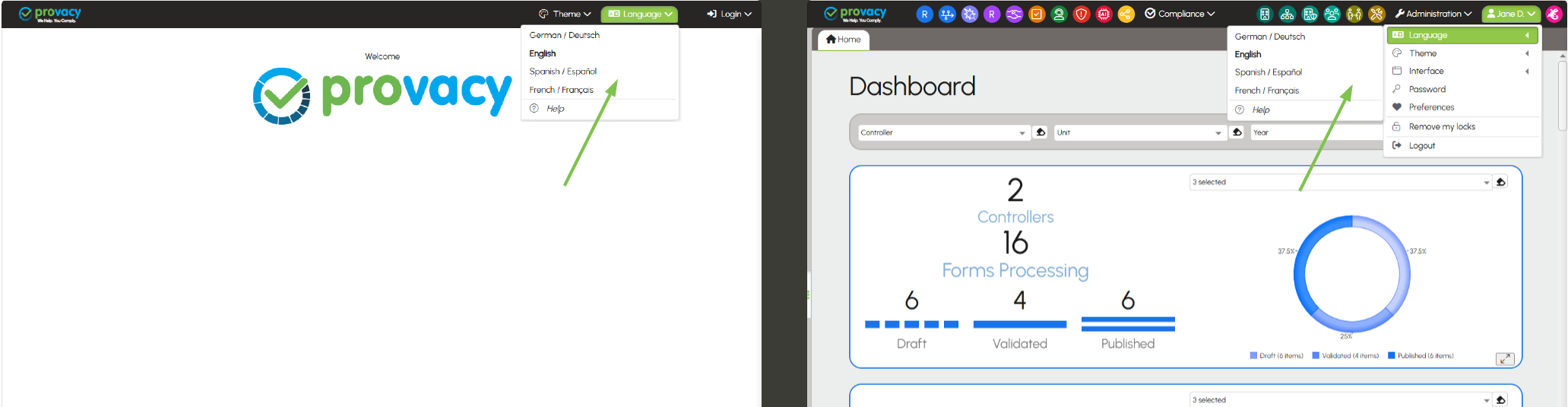
You can also select your language manually:
- from the login screen;
- or at any time from the Preferences menu (top right, under your first name).
The application remembers the last interface language used and automatically reapplies it during your next logins.
The interface language selected determines the language in which forms are drafted. This language is recorded as the form’s content language.
Example: if you use the interface in English, forms must be completed in English and the forms created will have EN (English) as their content language.