
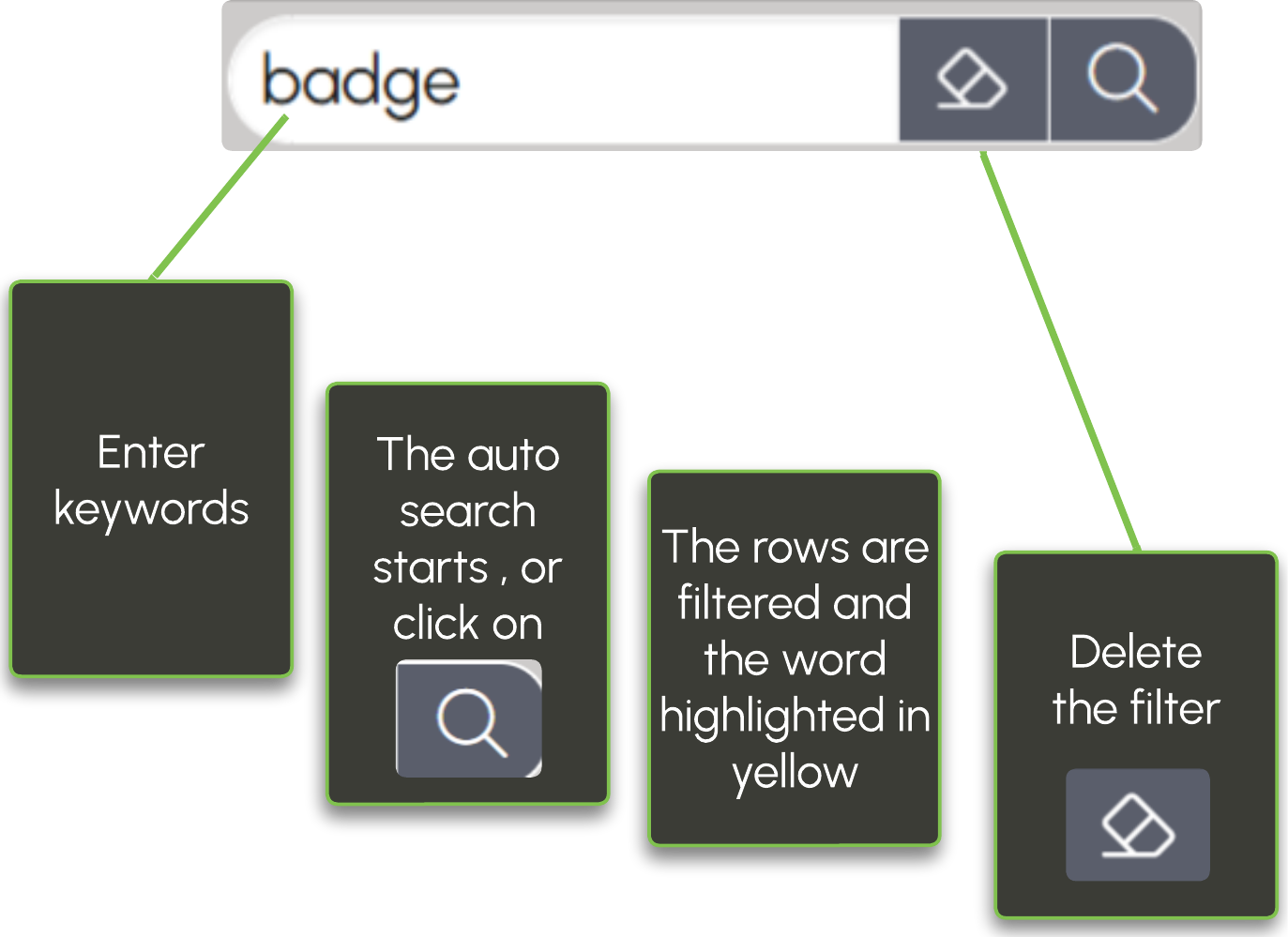
Search in all displayed columns
Launch a search across all displayed columns
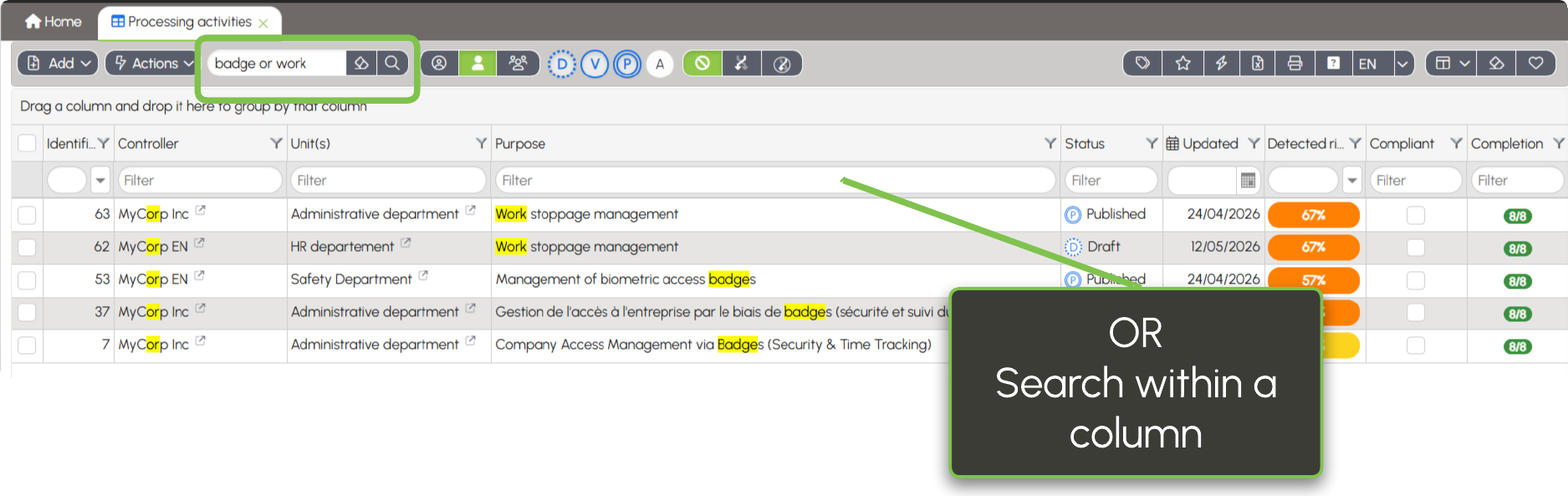
In the search fields, you can use operators to refine the results: AND, OR, and NOT.
- AND: searches for forms containing multiple terms.
Example:Badge AND work→ forms containing both Badge and work. - OR: searches for forms containing one of the terms.
Example:Badge OR work→ forms containing Badge or work. - NOT: excludes a term from the search.
Example:NOT Management→ forms that do not contain the word Management.
From the column filters, you can also use:
- EMPTY: displays empty cells.
- NOT EMPTY: displays cells containing a value.