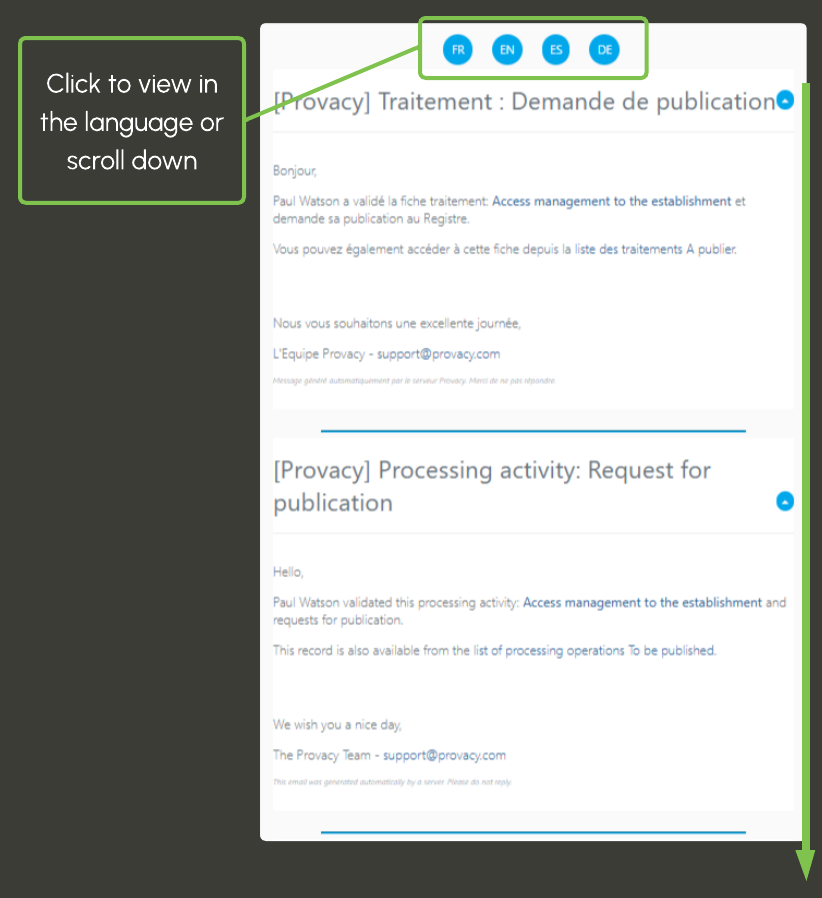
4. Email notification language
To define the language for receiving automatic emails (workflow notifications, reminder emails, etc.), simply select your primary language in the Preferences menu.
The Preferences menu is accessible under your first name, at the top right of the screen.
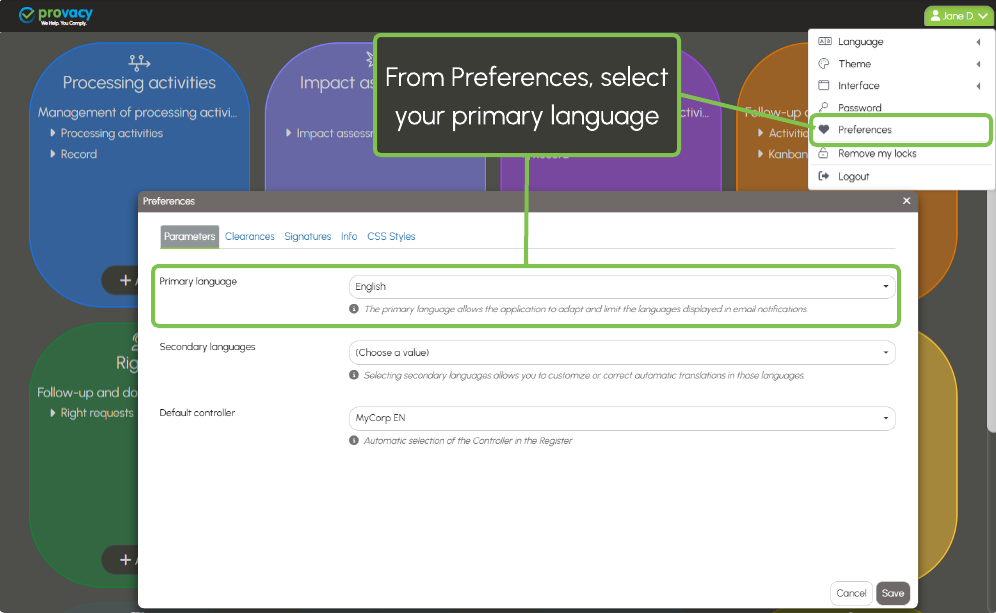
When creating a user account, the administrator can directly set the primary language.
If no primary language is defined, the email will be received in all available languages.